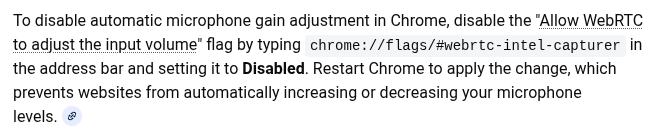
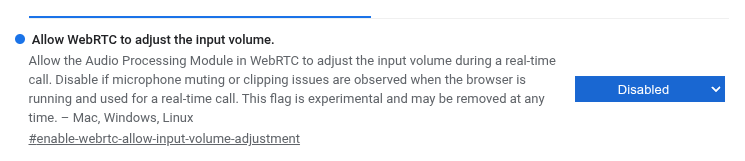
So I’m starting to really love this laptop for nearly all my daily uses. One issue I found out today was a Zoom conference call where the speaker sounded great, but when I set the volume for the mic, it kept rolling back to a lower level where no one could hear me. Every time I moved the volume control up, it would jump back.
I went into Zoom’s mic control to see if there was something that was causing it, but couldn’t find any setting changes that worked. Finally, I had to switch to my Windows laptop so I could participate.
Any ideas what could cause this? Is there a command line setting change that I could make to permanently change the startup volume?
Thanks for your help!