Hey Argon40 Community,
I’ve spent the past few days tuning, benchmarking, and perfecting the software stack for the Argon ONE UP Laptop.
While the hardware design is fantastic, running a generic OS leaves several painful papercuts: high standby battery drain, lack of hardware backlight controls, missing battery ADC telemetry, unmapped sensors, and the notorious 60-to-80-second shutdown hang caused by the empty CM5 microSD slot.
I have solved all of these issues and packaged everything into:
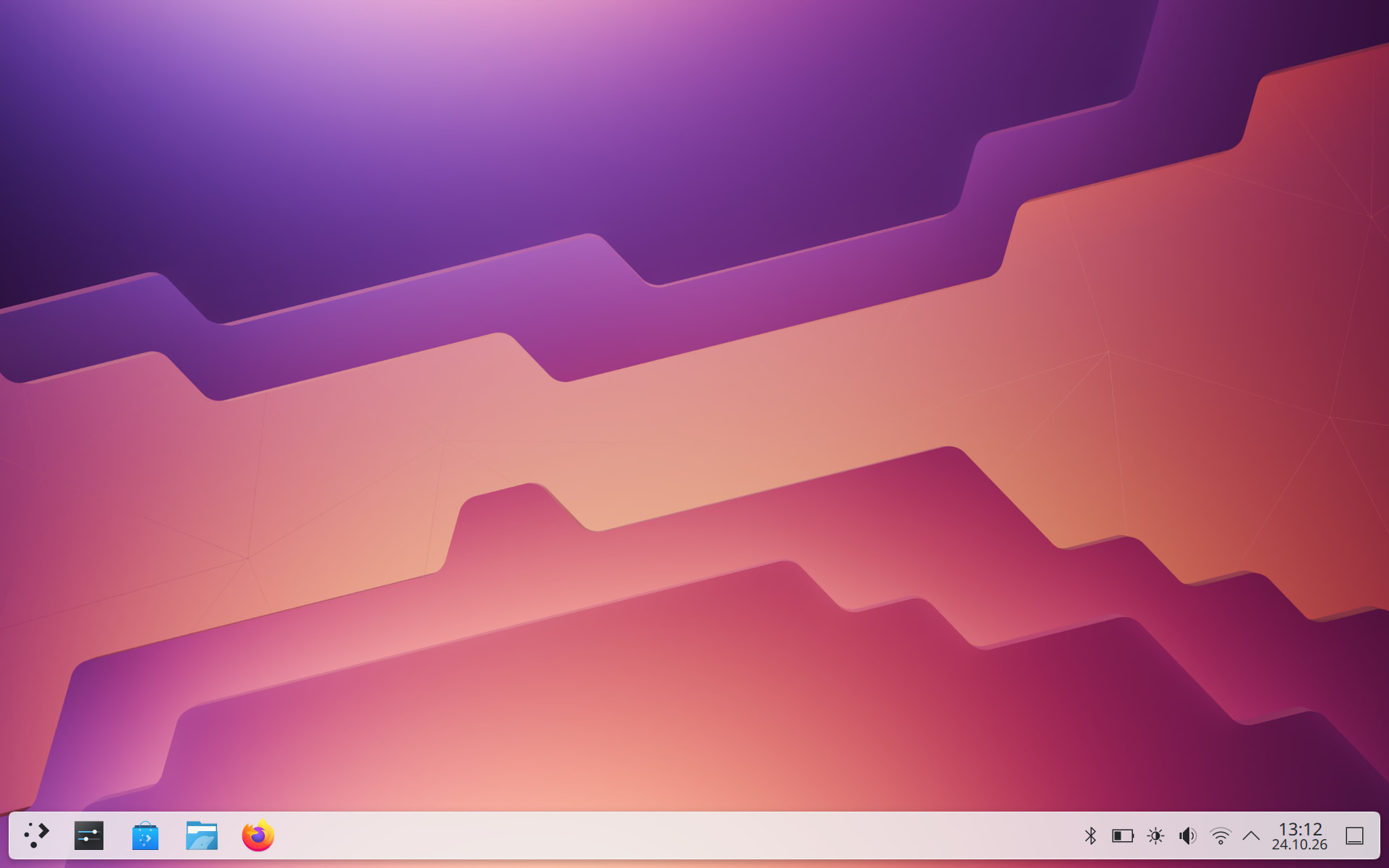
- A ready-to-flash, turnkey OS image (Debian 13 Trixie + KDE Plasma 6 Wayland + Btrfs NVMe).
- Six standalone, modular Debian packages (
.deb) that you can install on any Debian based distribution (Raspberry Pi OS, Ubuntu, DietPi, etc.) on your Argon ONE UP.
Here is the complete breakdown of the features, benchmarks, and packages!
1. The Custom Distribution Overview
For those who want an out-of-the-box, polished MacBook/ThinkPad-tier experience:
- Modern 64-bit Base: Debian 13 with pure KDE Plasma 6 on Wayland
- High-Speed Btrfs NVMe Storage:
- PCIe Gen 3.0 x1 enabled out of the box.
- Native Btrfs filesystem with transparent ZSTD:1 compression:
- Read Benchmark: Achieves 1,044 MB/s effective sequential read throughput.
- Storage Savings: Reduces disk space by 35–45% (e.g. 4.9 GB of system data compresses down to 1.5 GB).
- DRAM-less SSD Protection: Significantly reduces write amplification on DRAM-less NVMe controllers, prolonging NAND flash lifespan.
- Instant subvolume snapshots (
@root layout) for safe, rollback-ready system updates.
- Argon OEM Polish:
- High-resolution, flicker-free Plymouth OEM boot splash with official Argon ONE UP branding.
- First-Boot Setup Assistant: Interactive configuration of system language, keyboard layout, and user credentials on first boot.
- Native camera support via PipeWire (
libspa-0.2-libcamera) and tap-to-click preconfigured. - Flathub enabled by default in KDE Discover.
2. Six Standalone Debian Packages (.deb)
If you prefer to stay on your existing OS setup (Raspberry Pi OS, Ubuntu, DietPi, etc.), you can install the modular .deb packages to get native hardware support:
1. argon-oneup-battery_1.0.0_all.deb
- Real Hardware Telemetry: Custom DKMS kernel driver for the onboard CellWise CW2217 fuel gauge chip over I2C-1 (0x64).
- Registers native Linux
power_supplyproperties (voltage_now,current_now, and calculatedpower_nowin Watts). - Shows true 3S pack voltage, individual cell voltage, real-time mA draw, and battery temperature directly in KDE Plasma, UPower, and
sensors(hwmon). - Configures automatic 5% hardware graceful shutdown protection.
2. argon-oneup-backlight_1.0.0_all.deb
- Integrates the internal eDP panel’s DDC/CI interface (I2C-14) directly into the native Linux backlight subsystem (
/sys/class/backlight/ddcci14). - Zero hacks or software-dimming overlays: standard KDE brightness sliders, hardware Fn keys, and CLI tools like
brightnessctl set 50%control the physical display backlight hardware.
3. argon-oneup-lid_1.0.0_all.deb
- Connects the internal Hall-effect magnetic lid switch (GPIO 27) to the Linux input subsystem (
EV_SW/SW_LID). - Native integration with
systemd-logindand desktop power managers — closing the lid triggers a genuine Linux lid event.
4. argon-oneup-sensors_1.0.0_arm64.deb (Hardware Sensors & KDE Fix)
- Universal lm-sensors Routing: Installs
/etc/sensors.d/argon-oneup.confto declare and label all physical hardware sensors (BCM2712 CPU temperature, RP1 PWM fan RPM, Maxio NVMe SMART temperature, CW2217 battery telemetry, and PMIC voltage rails). Every tool (sensors,htop,btop,conky, XFCE/GNOME/KDE) immediately displays clean labels and units. - KDE Bug #493093 Fix: Solves the KDE Plasma System Monitor deadlock on ARM64 caused by missing x86
cpu MHzand trailing Pi-specific fields in/proc/cpuinfo. Uses a transparent Linux mount namespace helper (ksystemstats-ns-helper) so all 198+ KDE sensors register without touching system files. - CPU Thermal Mapping: Patches
ksystemstats_plugin_cpu.soso KDE mapscpu_thermaldirectly to the main CPU temperature card (instead of only looking for Intelcoretemp/ AMDk10temp). Includes an APT hook in/etc/apt/apt.conf.d/to survive all future KDE package upgrades.
5. cm5-mmc-fix_1.0.0_all.deb (The Empty MicroSD Slot Fix)
- The Problem: The CM5 Lite lacks a dedicated card-detect pin (
broken-cd). At the 100 kHz probing step, a BCM2712 hardware silicon bug causes the hardware command timeout interrupt to be lost, resulting in 10-second software watchdog timeouts. An empty slot causes a 50–80 second hang during every shutdown, reboot, or suspend! - The Solution: Patches the kernel’s
mmc_rescaninitialization table (freqs[]) to bypass the defective 100 kHz step. - The Result: MicroSD scan time on an empty slot drops from 80 seconds down to 0.2 seconds
- Includes
cm5-sdcard-fast.dtboto eliminate redundant SDIO/eMMC probing. - Includes an automatic hook in
/etc/kernel/postinst.d/z99-cm5-mmc-fixso the fix automatically persists across all futureapt upgradekernel updates. - 100% Functionality Retained: MicroSD hotplugging in the running system and booting from an SD card remain completely intact!
6. rpi-fake-sleep_1.0.0_all.deb
Since the BCM2712 SoC lacks ACPI S3 sleep, standard suspend usually fails or burns through the battery. This package implements an intelligent, userspace deep-sleep handler:
- Real 3S Benchmark Results (measured over 60s test cycles via battery ADC):
- Idle (Desktop 70% brightness): 6.88 W (-623 mA) → ~8.0 hours runtime
- Full Load (4 Cores @ 2.8 GHz stress-ng): 12.22 W (-1122 mA) → ~4.5 hours runtime
- Fake-Sleep (Standby / Lid closed): 3.74 W (-337 mA) → ~14.7 hours standby runtime
- How it cuts standby consumption
- Cuts power to the internal keyboard, touchpad, and LEDs via USB hub port power switching (stops heat buildup against the LCD panel).
- Sets CPU cores to
powersave(1.5 GHz @ minimum core voltage). - Safely freezes background applications via
cgroups v2(app.slice), keeping the display server alive (both Wayland compositors or Xorg/X11) for instant, zero-delay wakeup. - Activates 802.11 Wi-Fi DTIM power saving (
iw dev wlan0 set power_save on). - Soft-blocks Bluetooth scanning and sets the internal USB audio DAC into deep autosuspend.
- Backpack Safety Floor: If standby battery drain reaches 10% while closed on battery, it cleanly powers down the system to prevent a completely drained pack.
- Instant wake-up upon opening the lid or pressing a key.
Installation
Option A: Install the .deb Packages on your existing OS
Download the .deb packages and run:
sudo dpkg -i argon-oneup-*.deb cm5-mmc-fix_*.deb rpi-fake-sleep_*.deb
sudo reboot
Option B: Flash the Complete Image
Download the .img.xz file and write it to your NVMe or SD card using Raspberry Pi Imager or BalenaEtcher:
Download Link: Argon One Up - Google 雲端硬碟
Huge Thanks to the Community
Much of this project builds upon the fantastic pioneering work done by dedicated community members. A heartfelt shoutout goes to:
-
Jeff Curless
For developing the initial native Linux kernel driver (oneUpPower.c) for the Cellwise CW2217 fuel-gauge IC, as well as sharing early insights into the KDEksystemstatssensor integration. I packaged his driver into a clean DKMS package, added full hardware ADC current/voltage telemetry (POWER_SUPPLY_PROP_POWER_NOW), and integrated dynamic battery runtime estimation for UPower and desktop environments. -
The authors of the LID Switch Guide on the Argon40 Forum:
For the crucial finding that the physical Hall-effect magnetic lid switch is connected to GPIO 27, and for showing how to map it to a standard Linux kernel input device (gpio-keys,SW_LID) via a Device Tree overlay. This allowed replacing fragile background polling daemons with true native Linux power-management events. -
The community members behind the Display & I2C-14 reverse-engineering:
For identifying the internal panel’s DDC/CI communication channel on/dev/i2c-14(tied to internal HDMI-A-2). This paved the way for bridging the display directly into the Linux/sys/class/backlightsubsystem viaddcci-dkms, enabling out-of-the-box brightness hotkeys (F2 / F3), desktop sliders, and OSD support.
Feedback, testing results, and questions are very welcome! Let me know how it performs on your Argon ONE UP.