This first post in the thread just to log my immediate progress - any questions or updates I will do my best.
First - actual dimensions have been sparse - I measure mine as 317.5x225x19mm, 1315g with GPIO module plugged in.
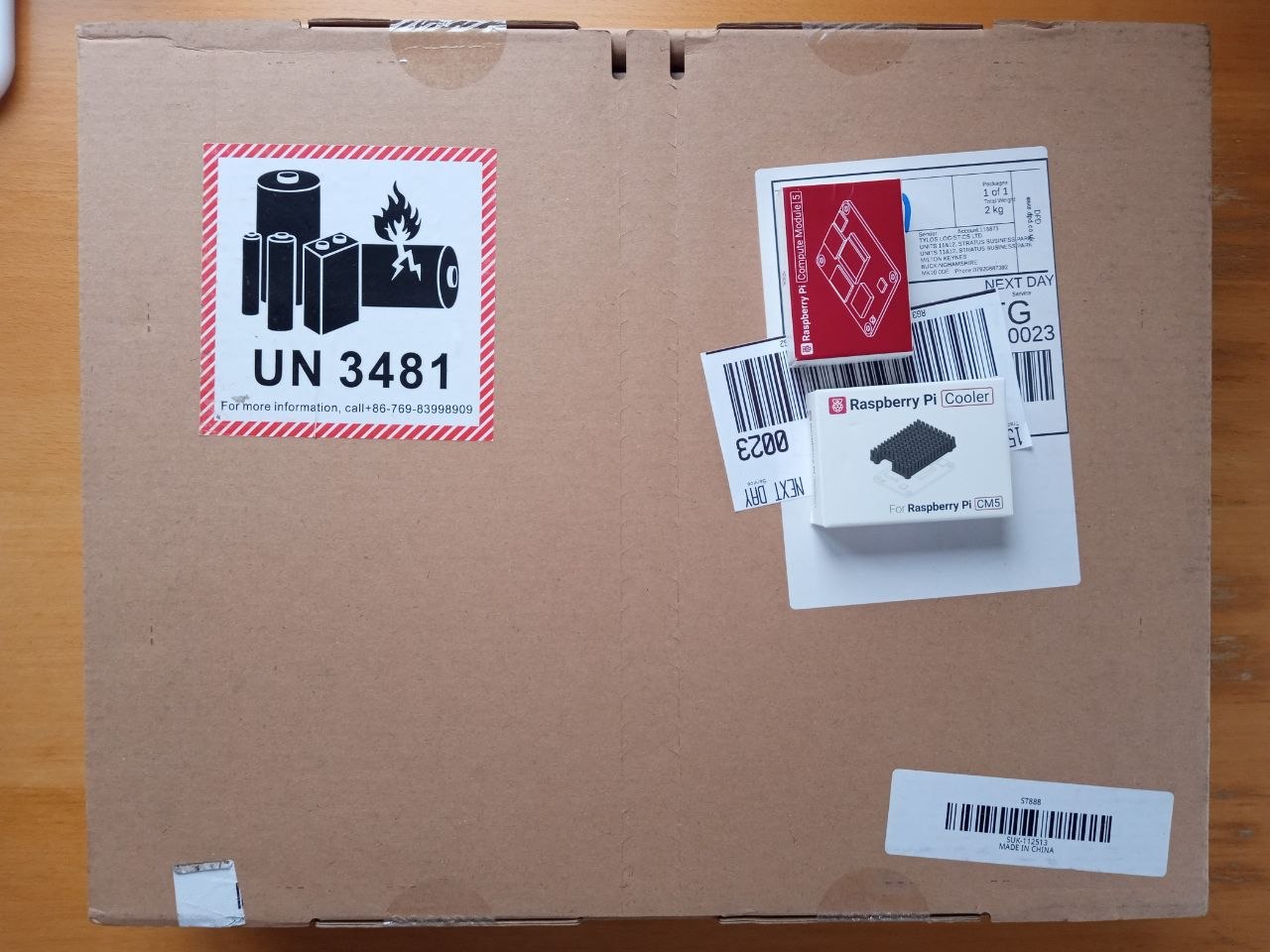
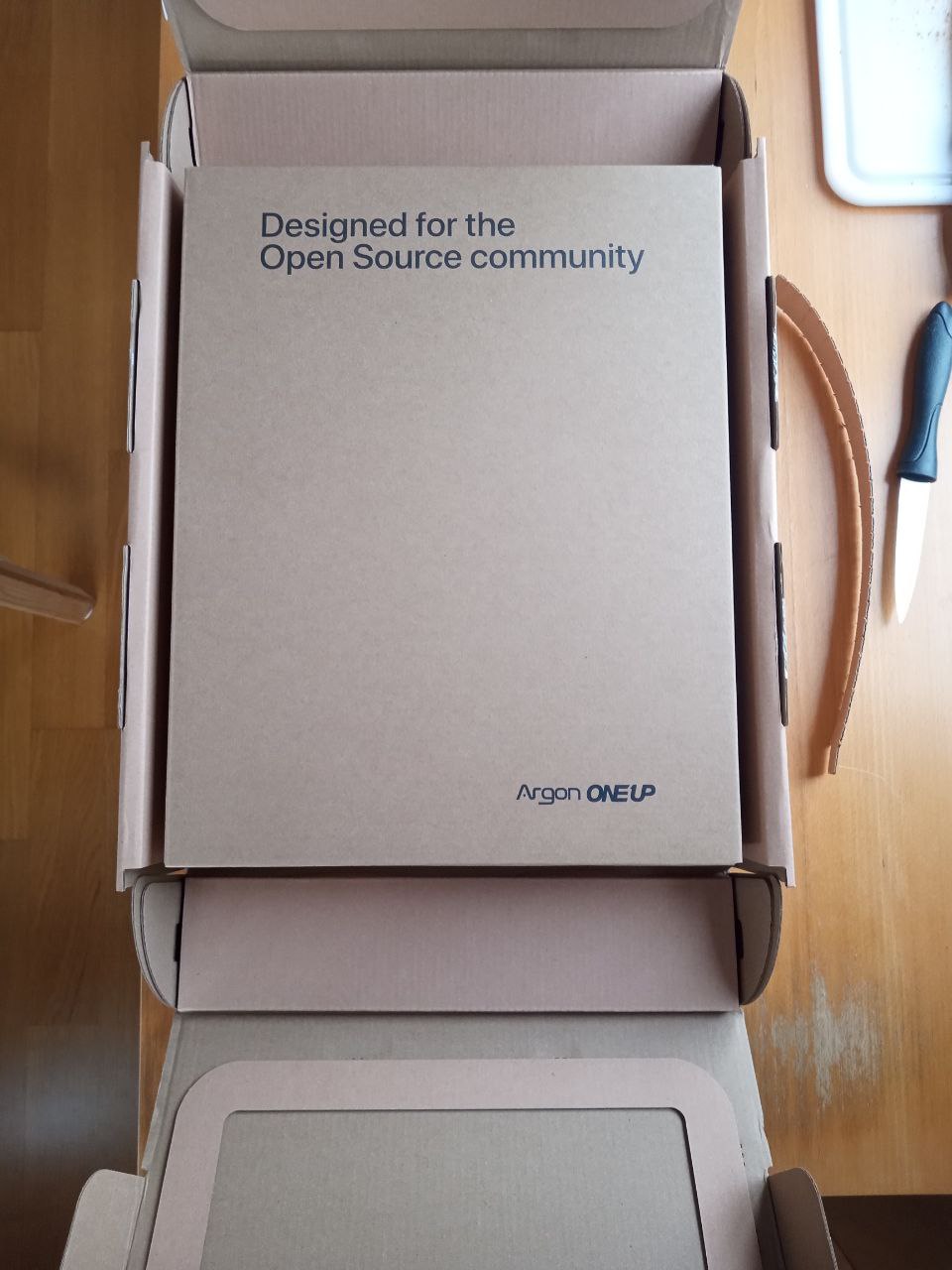
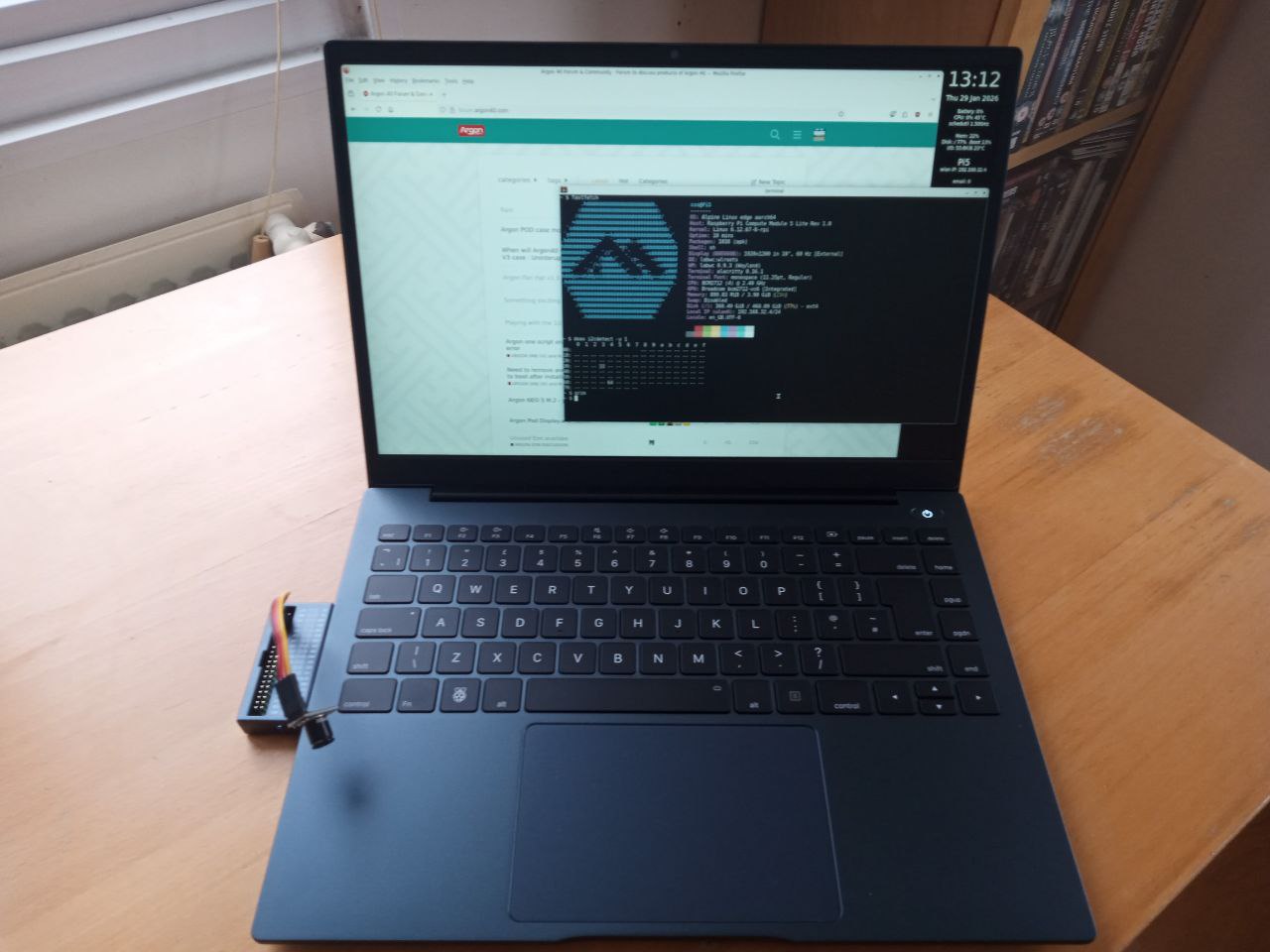
I was hoping to attach some pictures but no luck yet with this forum - maybe I will have enough permissions later. But I plugged in my CM5 & NVMe drive (pre-prepared with Alpine Linux) and all went fine. Keyboard seems great, trackpad - well, I swapped to my Bluetooth mouse fairly early. GPIO adapter plugs in fine and my thermal camera is fine.
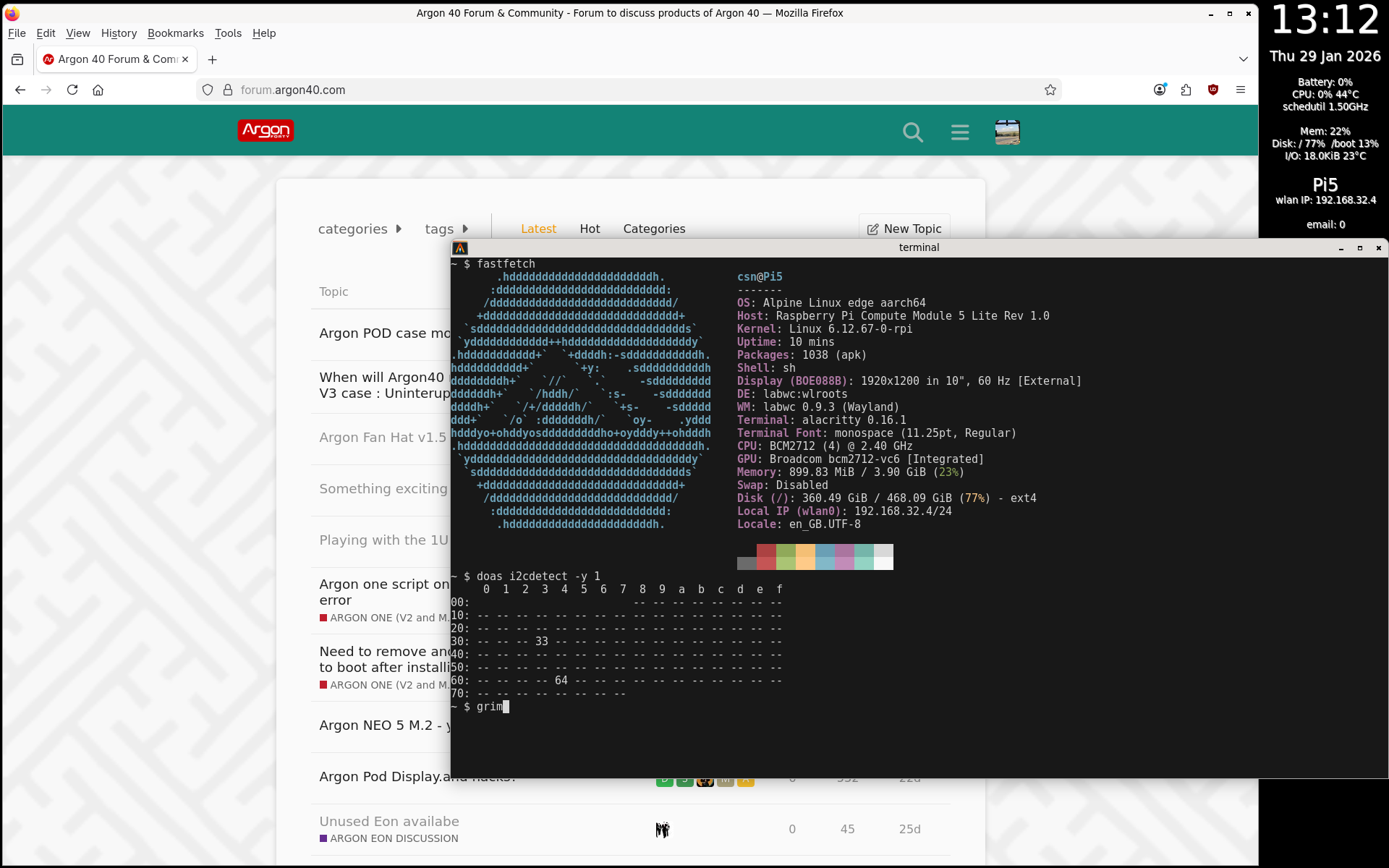
Screenshot - I built my Alpine config from the standard Raspberry Pi Imager. I found Raspberry Pi OS frustrating it seems I needed to use Snap to get Telegram-desktop working and it has very old versions of my applications.
I have moved now to Wayland/labwc - for many years I have loved Openbox and this is pretty similar for a minimal experience!
First (very minor) gripe - the “Backspace” key is labelled “delete” so there are 2 delete keys. Well not quite, it works just fine as backspace.
Battery - I haven’t tried the Argon script yet so no idea my actual battery % - I have plugged in a Lenovo 45W charger I have and it is drawing 55W of mains power so it seems the One Up is charging fine at 45W (20VDC @ 2.25A)
Looks good… I was wondering if you could help a little, I attempted to install Alpine and I get stuck at a console login. No keyboard or mouse input. Did you have to change anything prior to first boot? I have a prototype so.. that might be the issue.
in your /boot/config.txt (or for Alpine even better in your /boot/usercfg.txt) to enable the correct USB modes for the One Up as both the keyboard and the trackpad are USB. If you are booting from SDcard then just edit it on another PC. If you have installed on NVMe then you need to boot from an SDcard to do it. And/or a USB keyboard into the USB ports on the One Up should work long enough (go figure) to do the edit!
FWIW my complete usercfg.txt below
# Enable DRM VC4 V3D driver

dtoverlay=vc4-kms-v3d
max_framebuffers=2

# sort video setting

disable_fw_kms_setup=1

# enable audio via non-HDMI

dtparam=audio=on

# enable PCIe3 mode on NVMe

dtparam=pciex1_gen=3

# control USB current

usb_max_current_enable=1

# enable i2c for thermal camera

dtparam=i2c_arm=on

arm_64bit=1
arm_boost=1

# for CM5 - needed for USB OTG peripherals

dtoverlay=dwc2,dr_mode=host

# Switch to external antenna.

dtparam=ant2
Thanks! Tried it and …. I still get no keyboard. Used your exact /boot/usercfg.txt. I suspect its the prototype. Should have put my name in for a actual model…. but then I would have to explain to my wife about why I currently have 8 laptops and … needed another one.
That is strange - I presume the /boot/config.txt has
include usercfg.txt
as the last line? The Alpine install environment should have the same kernel and device tree, and I doubt Argon significantly changed architecture of the keyboard connection between your prototype & production but …
Thoughts:
Have you got a plain old wired/USB cable keyboard to use to try get going?
Try the dtoverlay=dwc2,dr_mode=host line in the config.txt
You could try dtoverlay=dwc,dr_mode=host - that is what I came across first. Argon has always had dwc2 but somewhere on the RasPi world I came across the option (without 2) first. It definitely does NOT work for me without the 2 but …
Good to hear. Yell if you have any questions as I think I am pretty well fettled - my only real challenge is mpv is very fragile and hangs easily, like if I resize its window or try skip ahead in a video.
I have really settled into Alpine and when I switch to Raspberry Pi OS find it not to my taste. The really odd thing is the trackpad behaviour under Alpine is fine, under RasPi OS I hate it. I haven’t tried to compare the settings - probably near impossible as RasPi OS is systemd and Alpine isn’t for a start. Also I have nudged RasPi OS to 6.18 while Alpine is still 6.12.
But to update some experiences after 5 days:
A 1mm thermal pad on the CPU keeps things fine - apart from during boot I never hear the fan. Even 10 mins of sysbench cpu test the temp maxed around 54C (ambient around 20C). My NVMe sits around 26C so not fussed to try sort anything there.
Battery life is fine - maybe 10%/hour if I am browsing, email etc. Possibly less.
Have sorted most of the keyboard via labwc/rc.xml - one bizarre thing is the “battery” button (between F12 and PAUSE) does not generate any codes at all. No biggie - for now I have battery status sorted by using the Argon python script and calling that from conky. I guess the “battery” button may be different when Alpine goes to 6.18 kernel.
As discussed elsewhere the WiFi antenna is probably limited: normally my router is 5m from the laptop with no obstructions but the One Up sits on 2.4GHz. I can connect on 5GHz band if I boot next to the router but the signal (as reported by conky wireless_link_qual_perc) drops below 50% by the time the laptop is on my desk. On 2.4GHz channel I am at around 90% (same measure). At some stage I need to measure my actual throughput but it seems about the same as other devices I have.
Odd… I’m on the first floor, and have an access point in the basement, and one on the second floor… I’m getting 57% on the entire first floor… I only drop below 50% if I’m on the second floor and have that access point off…. Normal wood frame house construction.

 so there are 2 delete keys. Well not quite, it works just fine as backspace.